
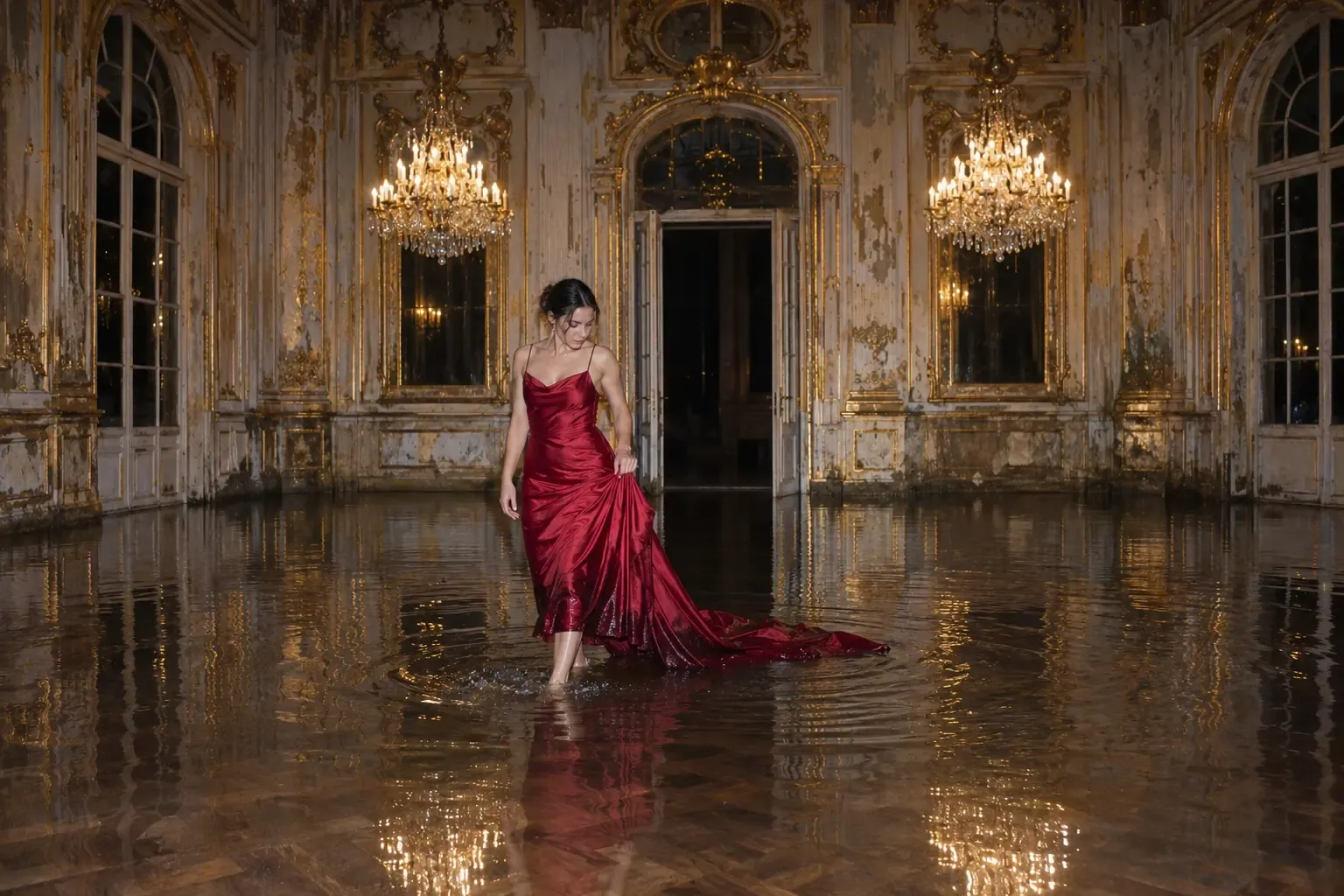
An AI image prompt generator is a tool that turns a rough idea into a full, structured prompt for an image model. You type "headphones on a dark background" and it returns a longer prompt that names the lighting, the camera, the surface and the style. The generator writes the instructions. A separate image model draws the picture.
This guide covers what these tools actually do, which parts of a prompt carry the result, a template you can fill in, how to compare generators, and when you are better off writing the prompt by hand.
What an AI image prompt generator does
Most generators do three jobs.
- Expand. They fill the gaps in a short idea with the specifics a model would otherwise guess: where the subject sits, what light falls on it, how the frame is shot.
- Structure. They sort those details into a consistent order, so the same kind of request produces the same kind of prompt each time.
- Adapt. They rewrite one idea for the model you plan to use, because some models respond to flowing sentences and others to short phrases separated by commas.
What a generator cannot do is know your brand. It only knows what you type. A prompt for a product shot that says nothing about your look will produce an image that could belong to anyone, which is why the inputs matter more than the tool.
The parts of a good image prompt
Whether you use a generator or write by hand, strong prompts share the same parts. Put the most important ones first. Describe what is physically in the frame, because words like "epic" or "cinematic" ask the model to guess, while a named light source and a lens length do not.
- Use case. What the image is for, such as a website hero, a social ad or a product page. This sets the shape and framing.
- Scene. Where it takes place: the surface, the room, the time of day.
- Subject. What the frame is of, named with its material and finish. "Matte-black over-ear headphones with leather cushions" gives a model far more to work with than "headphones".
- Lighting. The source, its direction and what it does to shadows. "One soft light from the upper left with a thin rim light" is usable. "Moody" is not.
- Camera. Lens length, aperture, angle and what stays sharp.
- Texture and realism. Two or three small imperfections, such as fabric weave, dust in the light or fine grain, which stop a photoreal image from looking plastic.
- Style. One reference register, for example "premium product photography". Pick one, since stacking several blurs the result.
- Constraints. A short list of things to leave out. Three to five is enough.
A fill-in template
Copy this skeleton into any generator's input, or use it as the prompt itself.
- Use case: [what the image is for and its shape]
- Scene: [surface, setting, time of day]
- Subject: [what is in frame, with material and finish, and where it sits]
- Lighting: [source, direction, effect on shadows]
- Camera: [lens, aperture, angle, focus]
- Texture: [two or three small real-world imperfections]
- Style: [one reference register]
- Constraints: [three to five things to avoid]
A weak prompt next to a strong one
A weak prompt:
Headphones, cool, dark, high quality.
A strong prompt:
Use case: hero image for a product page, landscape. Scene: seamless graphite backdrop, empty surface. Subject: matte-black over-ear headphones with leather cushions, centered and turned slightly toward the camera. Lighting: one soft light from the upper left with a thin cool rim light on the headband. Camera: 85mm lens at f/4, eye level, sharp across the product with the background falling away. Texture: visible grain in the leather, a few dust specks in the light. Style: premium product photography. Constraints: no text, no logos, no extra objects.
The strong version also gives you something to edit. When the lighting is wrong, you change one line instead of starting over.
How to choose an AI image prompt generator
Treat the choice like any other tool decision and check a few concrete things before you commit.
- Can you read and edit the prompt it produces? If the output is hidden or locked, you cannot learn from it or fix it.
- Does it give you control over each part? Separate fields for subject, lighting and camera give you more say than a single box that returns one block of text.
- Does it support the image model you use? Prompt format differs from model to model, so check that the generator targets yours.
- Can you save a style? A saved block for your brand's look, lighting and constraints is what lets the tenth image match the first.
- What happens to your briefs? If your prompts mention unreleased products or client names, find out how the tool stores and reuses what you enter.
- How is it priced? Some tools are free and some charge by usage or subscription. Confirm the limits before you build a workflow around one.
When to write the prompt yourself
A generator helps most when you face a blank page, need many variations of one idea, or want to learn how a good prompt is built. Write the prompt yourself when one specific image matters, when the details are particular to your brand, or when a generator keeps pulling the result toward a generic look.
Either way, fix an image by changing one thing at a time. A change-and-preserve instruction keeps the rest stable: keep the same composition, subject and lighting, change only the background, and preserve the framing and palette. With one variable per round, you know what caused each difference.
Making prompts repeatable across a brand
One good prompt is easy. The harder problem for a brand team is the fortieth image, which has to look like the first. That is a systems problem: a saved style block, a fixed list of constraints, a naming habit and a review step.
For more on what makes a generated image believable, read the guide to photorealistic AI image generators in 2026. For where this kind of production pays off for brands, see AI content creation for brands, and for how generated visuals feed paid campaigns, see AI ad creative.
BMI Studios is an AI-native creative studio with six capabilities, one system: Brand Design, Creative, Production, AI Realism, Creative Systems & Asset DNA, and AI Video. If you would rather have a system like this built than build it yourself, see what BMI Studios does, then get in touch to talk through a brief.
Common questions about AI image prompt generators
What is an AI image prompt generator?
It is a tool that takes a short idea and returns a longer, structured prompt for an image model. The generator writes the prompt, and the image model creates the picture from it.
How long should an image prompt be?
Long enough to name the subject, the light, the camera and the style, which usually means a few sentences. Length beyond that adds noise unless every detail is something you want in the frame.
Do prompt generators work with every image model?
Not equally. Models differ in how they read prompts, so a prompt written for one often needs edits for another. Choose a generator that targets the model you actually use.
Can I write good prompts without a generator?
Yes. The template above covers the same parts a generator fills in. A generator saves time and enforces consistency, but it does not replace knowing what you want in the frame.
How do I keep AI images consistent across a campaign?
Save the parts that should not change, such as lighting, camera and constraints, as a reusable block, and vary only the subject and scene. Review each batch against the first approved image.