
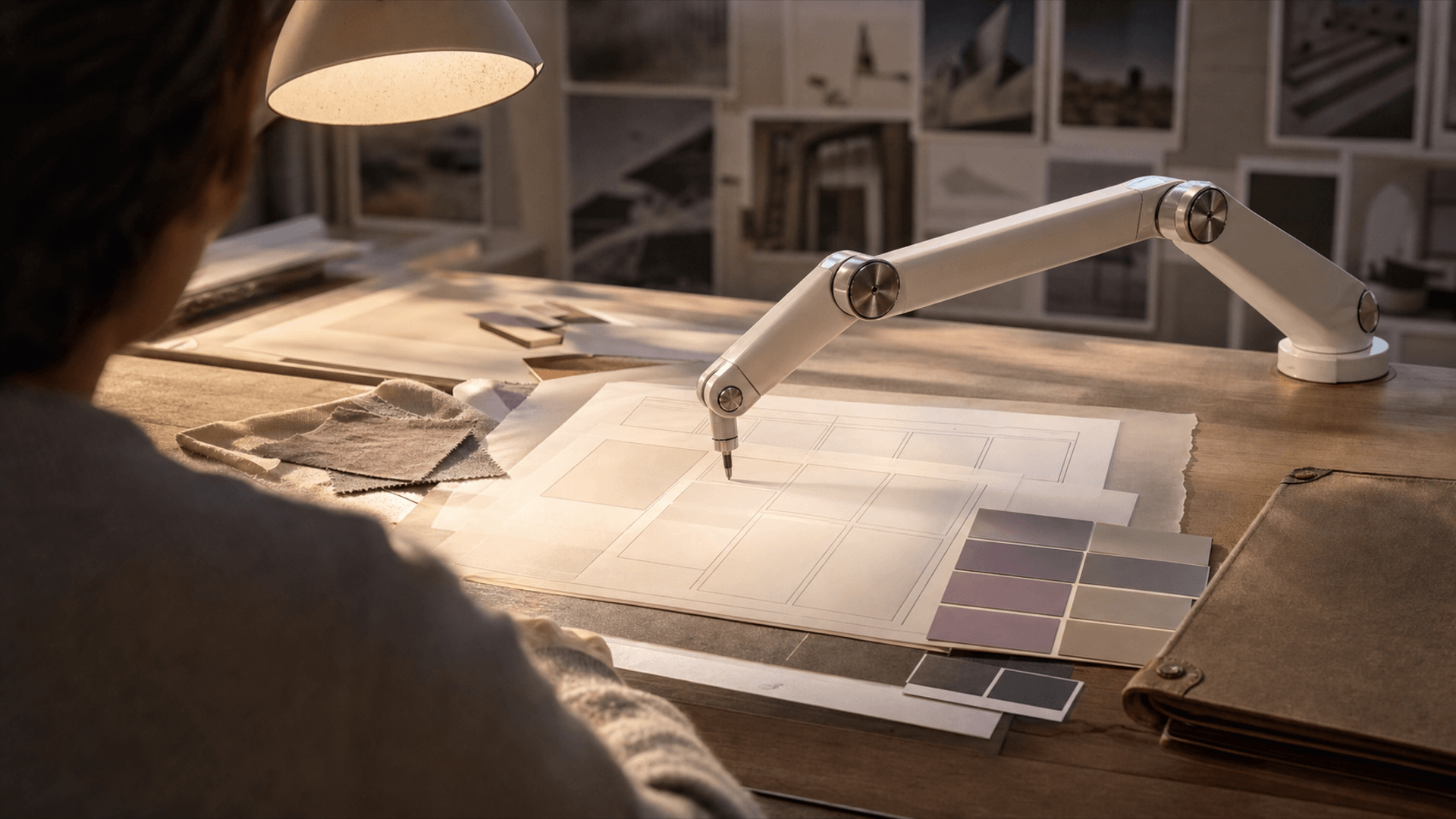
An AI design agent is software that can understand a creative goal, read design context, make decisions across multiple steps, and take actions inside a creative workflow. Unlike a simple chatbot, an agent does not only answer questions. It can help generate options, apply design-system rules, rename layers, organize files, draft layouts, critique consistency, or prepare assets for production.
That definition matters because "agent" has become a loose word. A professional AI design agent should combine reasoning, tool access, memory or context, and a clear approval loop. It should assist the team without silently changing brand-critical work. For a broader view of how agencies are evolving around these systems, see our guide to AI creative agencies.
What Is an AI Design Agent for Creative Workflows?
In creative workflows, an AI design agent acts like a production-aware assistant that can move from instruction to execution. A designer might ask it to apply a spacing system across a set of layouts, convert a wireframe into a prototype, summarize feedback, generate image directions, or check whether a presentation follows brand rules.
The difference from ordinary automation is flexibility. A script follows fixed instructions. An agent interprets the goal, looks at the context, chooses steps, and can often ask for clarification or present options. In tools such as Figma AI, agent-like features already live on the canvas: applying design-system context, generating prototypes, renaming layers, replacing copy, and helping teams move from prompt to working design.
The best agents are not autonomous art directors. They are tireless production partners with a defined lane.
Professional AI Design Agent Versus Chatbot
A chatbot responds in conversation. A design agent acts in a workspace.
If you ask a chatbot for landing page ideas, it may give you copy and layout suggestions. If you ask a design agent, it may create a first layout, use your component library, place draft copy, name layers, flag contrast issues, and prepare a prototype. That action layer is the difference.
Professional agents also need constraints. They should understand the brand system, use approved assets, respect legal guidelines, preserve version history, and show changes before final approval. In a commercial environment, the agent should be accountable and inspectable. A black-box system that modifies campaign assets without review is not a professional workflow.
What AI Design Agents Can Do Today
Current agents are useful in four areas.
First, they speed up setup. They can create first-pass layouts, mood boards, prototype flows, content blocks, and campaign variations. This helps teams get from blank page to critique faster.
Second, they reduce production cleanup. Layer naming, file organization, resizing, content replacement, background removal, and batch formatting are not where senior designers should spend most of their time.
Third, they support consistency. Agents can compare work against design-system rules, brand vocabulary, accessibility requirements, and channel specs.
Fourth, they help connect tools. A creative workflow might include Figma, Adobe apps, asset libraries, project management systems, and code repositories. Agentic workflows can move context between these spaces, although the reliability varies by tool.
What They Cannot Own
Agents do not understand taste the way a creative director does. They can identify patterns, but they do not carry brand memory, market intuition, client politics, or the emotional stakes of a launch.
They also struggle when instructions are vague. "Make it premium" is not enough. Premium for a luxury fragrance, a fintech dashboard, a wellness brand, and a sportswear campaign means different things. A good human team translates strategy into visual criteria before the agent acts.
Agents can also produce confident errors. They may use the wrong component, invent copy that sounds plausible, over-standardize expressive work, or create layouts that look finished but fail the brief. This is why review remains essential.
How Creative Teams Should Use Agents
Start with bounded workflows. Do not hand an agent the entire brand identity. Give it a repeatable task with clear inputs and outputs.
Good starting points include:
- Rename and organize messy design files.
- Generate first-pass ad layout variations from approved copy.
- Resize assets across channel specs.
- Summarize feedback and group comments by theme.
- Check a presentation against brand rules.
- Create rough wireframes from a content outline.
Once the team trusts the agent in a narrow lane, expand carefully. Add brand context, approved components, reference examples, and quality criteria. The agent should become more useful because the system around it improves.
Our resource on AI file organization for creative teams is a practical place to start because organization is low-risk and high-friction.
What to Look for in a Professional AI Design Agent
Look for context awareness. The agent should understand the file, design system, project, or asset library it is working inside.
Look for controllability. You should be able to approve, reject, undo, and compare changes.
Look for interoperability. Agents become more valuable when they connect design, production, and delivery tools.
Look for governance. Brand teams need permissions, history, asset controls, and policies around client data.
Look for taste alignment. This does not mean the agent has taste. It means the team can feed it examples and constraints that make outputs closer to the brand.
How an AI Design Agent Fits Agency Work
In agency work, the agent is most useful between strategy and final craft. It can help explore territories, build option sets, prepare files, and make production more responsive. It should not replace the creative decision. It should increase the number of useful directions a team can examine before choosing.
At BMI Studios, we see agentic tools as part of a larger shift toward AI-assisted creative operations. The value is not just faster image generation. It is a more connected workflow where strategy, concepting, production, and distribution inform each other.
Risks to Manage
The first risk is brand dilution. If every agent output averages toward common design patterns, the work becomes generic.
The second risk is hidden data exposure. Teams need to know what assets and client information are being sent to third-party systems.
The third risk is false completion. Agent output can look polished before it is strategically right. A finished-looking layout is not the same as a finished idea.
The fourth risk is workflow dependency. If the team forgets the underlying craft, they lose the ability to judge the agent.
How to Pilot an AI Design Agent
Choose one repetitive workflow and one team owner. For example, use the agent to rename layers, create first-pass social layouts from approved copy, or summarize design feedback after a review. Define what success means before the test starts: fewer cleanup hours, faster review prep, cleaner files, or more usable first-pass options.
Run the pilot for two weeks. Save examples of helpful output and failed output. At the end, write the rulebook: when to use the agent, what context to provide, what it can change, what it cannot change, and who approves the work. This turns a tool trial into an operating habit.
Do not judge the pilot by the most impressive demo. Judge it by whether the team wants to use it again on a normal Tuesday.
A Simple Definition for Stakeholders
If you need to explain it internally, use this:
An AI design agent is a context-aware assistant that can take design actions across several steps, using approved tools and rules, while humans keep control of creative judgment and final approval.
That definition keeps the promise useful and the hype contained.
Where to Go Next
If your team is exploring AI design agents, start by mapping the tasks that drain creative time without adding much strategic value. Then test agents on those tasks first. Pair the experiment with a clear approval process and a documented brand system.
For brand teams that want a larger AI creative workflow, contact BMI Studios. We help teams separate productive automation from shallow novelty, then build workflows that preserve the part of design that still needs a human eye.